 By Elois da Costa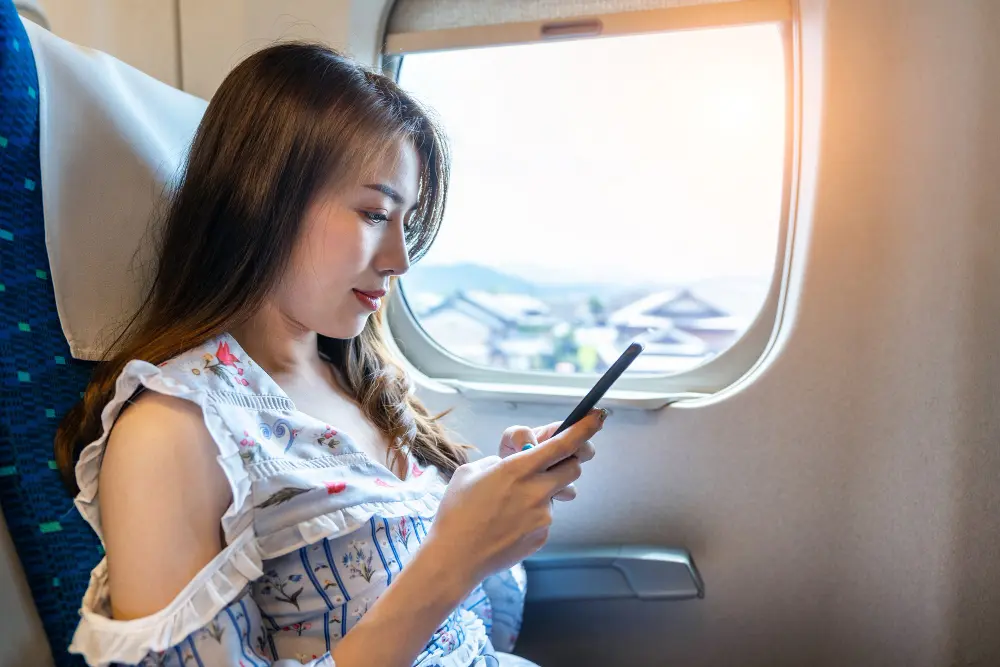
How to stay connected while traveling is one of the most common concerns of modern travelers. In the digital age, connectivity is no longer a luxury but a necessity — whether you need to share your adventures in real time, coordinate last-minute reservations, use maps to avoid getting lost, or simply stay in touch with your family. Having reliable internet access can make the difference between a smooth trip and a stressful one.
In this complete guide, we share the best strategies to stay connected anywhere in the world without spending a fortune.
Why Is It Important to Stay Connected While Traveling?
Before diving in, it is worth reflecting on why connectivity has become so essential for modern travelers. Beyond posting photos on Instagram or checking Facebook, staying connected allows you to:
- Navigate safely: Apps like Google Maps or Waze help you get around unfamiliar cities
- Make emergency reservations: From hotels to restaurants, everything is managed online
- Stay informed: Flight changes, weather updates, local news, and safety alerts
- Translate in real time: Translation apps work much better with an internet connection
- Share your location: So your loved ones know you are safe
- Work remotely: More and more people work while traveling
1. Local SIM Cards: The Most Affordable Option
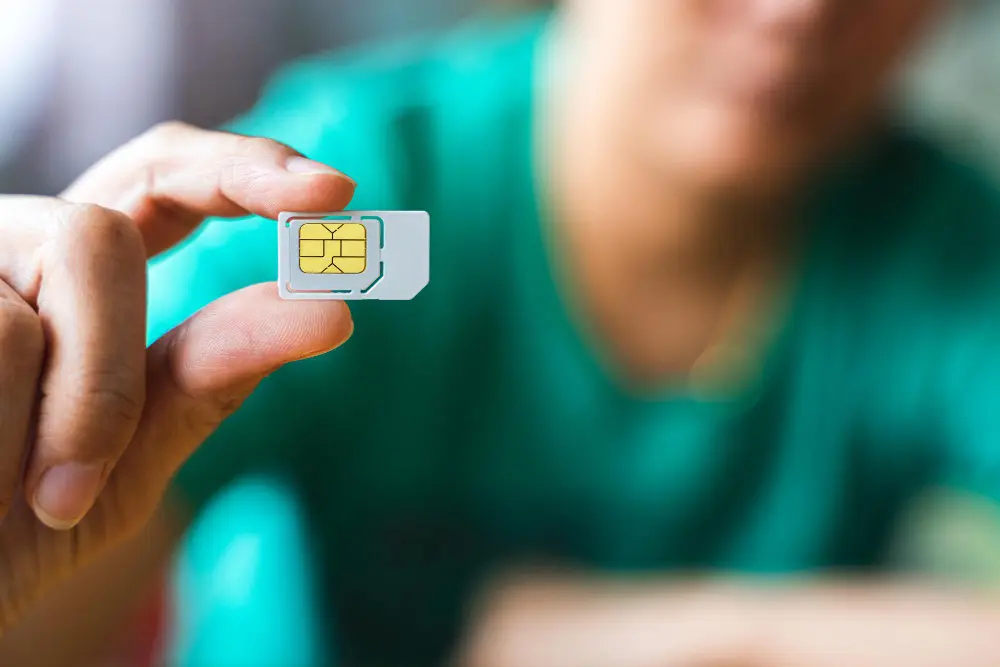
One of the most popular and affordable ways to stay connected abroad is by purchasing a local SIM card. This option allows you to access local rates instead of paying expensive international roaming fees.
Advantages of Local SIM Cards
Local SIM cards offer data at much lower prices than roaming plans from your home carrier. In many countries, you can get generous data packages for just a few dollars. For example, in Thailand or Vietnam, it is possible to find unlimited data plans for under $10 USD per month.
You also get a local phone number, which is useful if you need to make local calls or receive verification codes for services that only work with local numbers.
How to Get a Local SIM
In most countries, you will find SIM card vendors at the airport, although prices there are usually higher than in the city. Once you arrive at your destination, look for local mobile carrier stores or small kiosks in markets and shopping centers.
Important: Before traveling, make sure your phone is unlocked. A phone locked by your carrier will not accept SIM cards from other companies. The FCC’s official guide on mobile device unlocking explains how to request an unlock from your current carrier, but this process may take a few days.
Disadvantages to Consider
The main drawback is that you need to physically change the SIM card, which means you will temporarily lose access to your usual phone number. Keep your original SIM card safe. A useful trick is to tape it to the inside of your phone case.
Also, each time you change countries, you will likely need to buy a new SIM card.
2. eSIM: The Future Technology Available Today
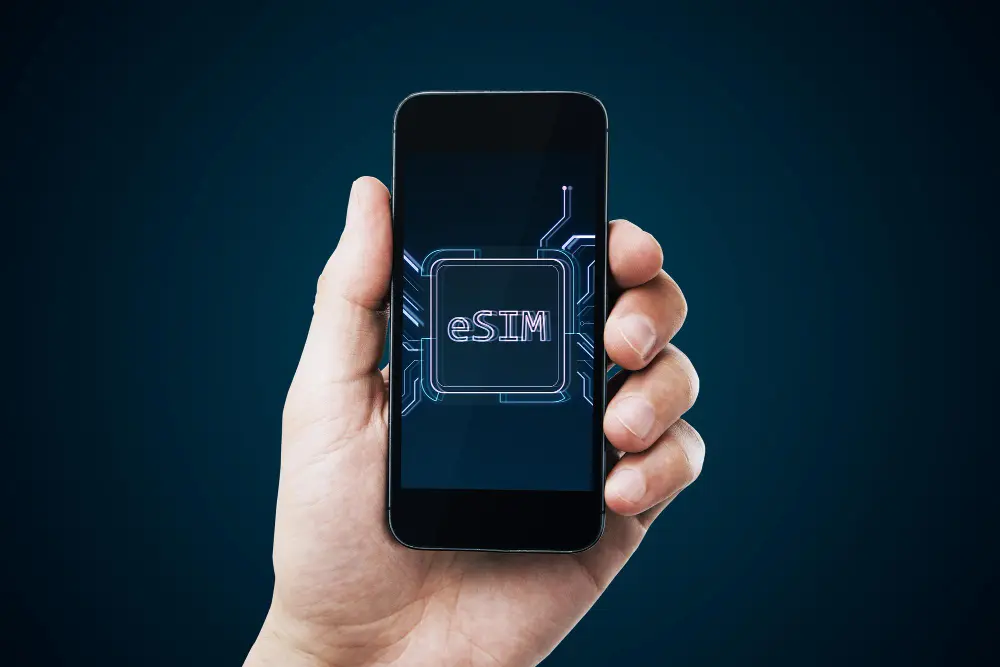
eSIMs, or virtual SIM cards, represent the natural evolution of physical SIM cards. They are digital chips built into your device that allow you to activate data plans without inserting a physical card.
How eSIMs Work
The process is incredibly simple. You purchase a data plan online from providers like Airalo, Nomad, or Holafly. You receive a QR code by email, scan it with your phone, and you are connected. You can even do this before leaving home.
Benefits of eSIMs for Travelers
The convenience is unmatched. You do not need to look for stores upon arrival, there is no risk of losing your original SIM card, and you can switch plans or countries with just a few taps.
Many modern phones allow multiple eSIMs, which means you can keep your regular number active for important calls while using an eSIM for data.
Flexibility is another major advantage. You can buy country-specific plans or regional plans that cover multiple destinations. This is especially useful if you are traveling through Europe or Southeast Asia.
Compatibility and Considerations
Not all phones support eSIM. The updated list of eSIM-compatible devices for 2026 confirms that most recent iPhone models (XR and newer), Samsung Galaxy devices (S20 and later), and Google Pixel phones (3 and newer) include this feature. Always check your device compatibility before purchasing an eSIM plan.
Costs can be slightly higher than traditional local SIM cards, but the convenience often justifies the difference. Consider how much your time and peace of mind are worth.
3. International Roaming Plans from Your Carrier
Many mobile carriers offer international roaming plans that allow you to use your phone abroad with your existing number. This option is convenient but requires research in advance.
When Roaming Makes Sense
International roaming is ideal for short trips where you need to remain reachable on your usual number. It can also work well if you travel frequently to the same destinations and your carrier offers competitive rates there.
Some carriers, such as T-Mobile in the United States, include basic data and text messaging in over 200 countries as part of their standard plans. In Mexico, Telcel offers options like “Amigo Sin Limite Roaming” for certain destinations.
Beware of Hidden Costs
Traditional roaming can become extremely expensive if you do not have a specific plan. Rates can reach several dollars per megabyte of data. Before traveling, contact your carrier to understand exactly how much it will cost to use your phone at your destination.
Pro tip: Disable automatic data roaming in your phone settings to avoid unpleasant surprises on your bill. Enable it only when you truly need it.
4. Portable WiFi: Internet for Your Entire Group
Portable WiFi devices, also known as pocket WiFi or mobile hotspots, are small routers that create their own WiFi network, allowing multiple devices to connect at the same time.
Advantages of a Portable Hotspot
If you are traveling with family or in a group, a single portable WiFi device can provide internet access for everyone. Most allow between five and ten devices to connect simultaneously, sharing the cost among multiple users.
You also do not need to change your phone settings or insert additional SIM cards. Your laptop, tablet, WiFi-enabled camera, and other devices can connect easily.
Modern Options with Multiple Features
Newer hotspots come with valuable additional features. Many include built-in power banks that allow you to charge your phone while providing internet access. Devices like the Solis Pro 5G or Baseus GX11 combine 4G or 5G connectivity with batteries up to 20,000 mAh.
Technology has advanced significantly, and there are now hotspots with built-in virtual eSIMs that work in over 140 countries without changing physical cards.
Cost and Weight Considerations
The initial investment can be significant, with devices ranging from $100 to $400 USD. You also need to pay for data plans, which may be more expensive than local SIM cards. However, if you travel frequently or in groups, the cost pays for itself quickly.
Extra weight and space are also factors to consider, especially if you travel light. A hotspot is another device you need to carry and keep charged.
5. Public WiFi: Free but Use with Caution
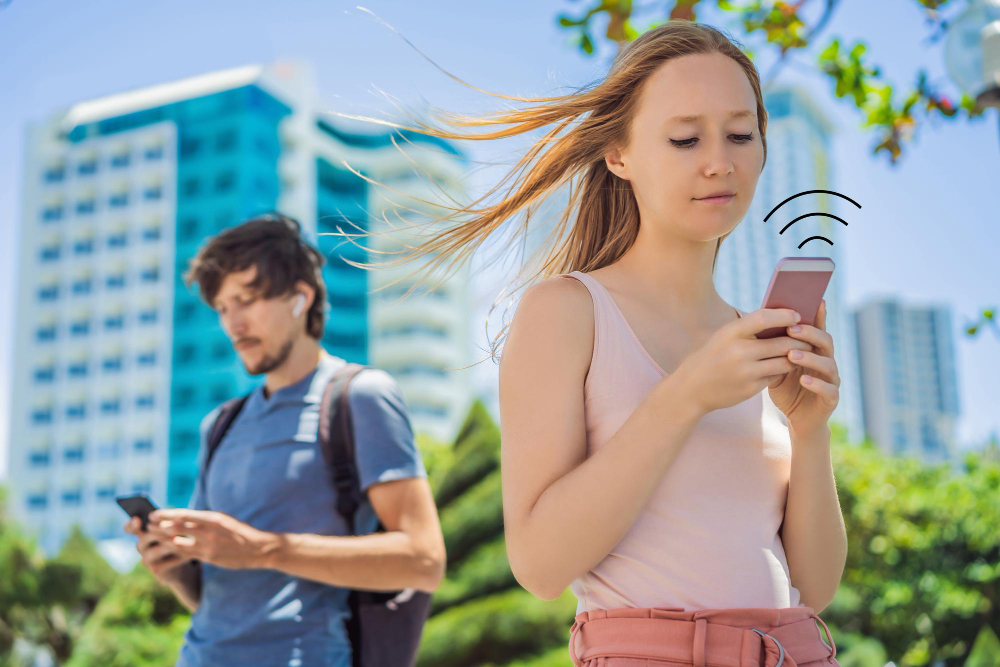
Free WiFi is available almost everywhere: airports, hotels, cafes, restaurants, shopping centers, and even public squares in many modern cities.
Making the Most of Free WiFi
To take advantage of public WiFi without relying on it entirely, download everything you might need before leaving your hotel. This includes offline maps, music, movies, and important documents.
Apps like Google Maps, Maps.me, and Organic Maps allow you to download full city or country maps for offline use. That way, even if you lose connection during the day, you can still navigate easily.
Security on Public Networks
Public WiFi networks are notoriously insecure. According to NordVPN’s research on public Wi-Fi risks, hackers can easily intercept information on these connections. Never perform banking transactions, online shopping, or access sensitive information while connected to public WiFi.
To protect yourself, consider using a VPN (Virtual Private Network) whenever you connect to public WiFi. The Washington State cybersecurity guide for travelers recommends services like NordVPN, ExpressVPN, or Surfshark, which encrypt your connection and make it much harder for anyone to intercept your data. Many VPNs offer plans specifically designed for travelers.
Limitations of Public WiFi
Relying solely on public WiFi can be very limiting. It is not always available when you need it, speeds can be slow, and it often requires registration with personal information or watching ads. It is best used as a supplement, not as your only source of internet.
6. Essential Apps to Stay Connected
Beyond having internet access, you need the right tools to make the most of it. These are the essential apps every traveler should have installed.
Messaging and Communication
WhatsApp is nearly universal. It works in almost every country and uses very little data. You can make free voice and video calls when connected to WiFi or mobile data.
Telegram and Signal are excellent alternatives if you are concerned about privacy, offering end-to-end encryption for all communications.
Offline Maps and Navigation
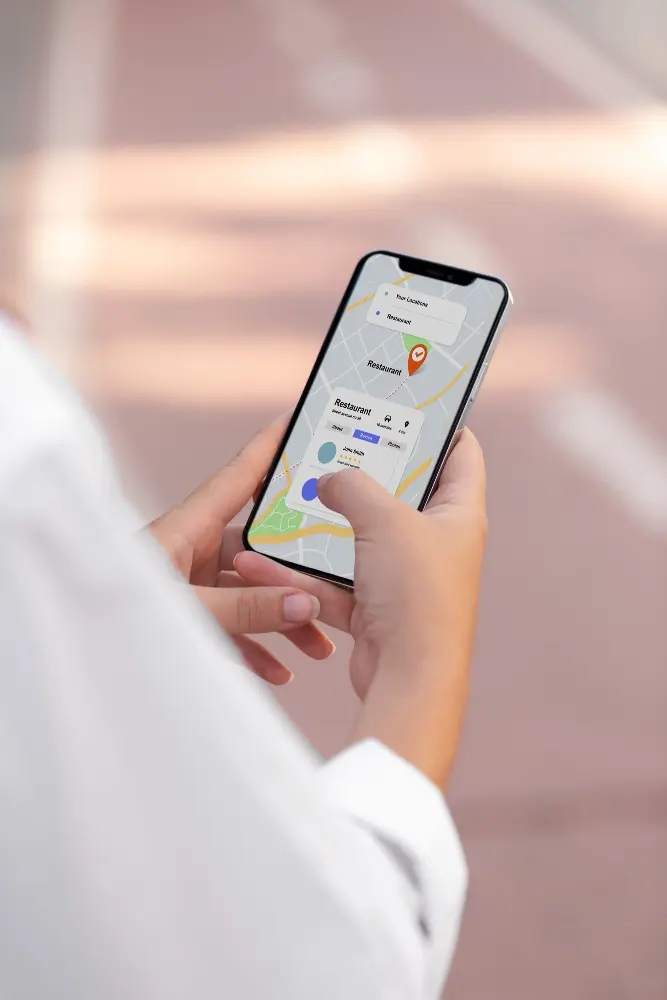
Google Maps allows you to download maps for offline use. Simply search for your destination, tap the place name, and select “Download.” Offline maps include turn-by-turn navigation even without a connection.
Maps.me and Organic Maps are free apps based on OpenStreetMap that work completely offline. They are especially useful for hiking and rural areas where Google Maps may have limited information.
Offline Translation
Google Translate allows you to download language packs for offline translation. While real-time camera translation requires an internet connection, basic text translation works offline.
Travel Management
TripIt automatically organizes all your flight, hotel, and car rental confirmation emails into a complete itinerary. Once synced, essential information is available offline.
7. Tips to Save Battery and Data
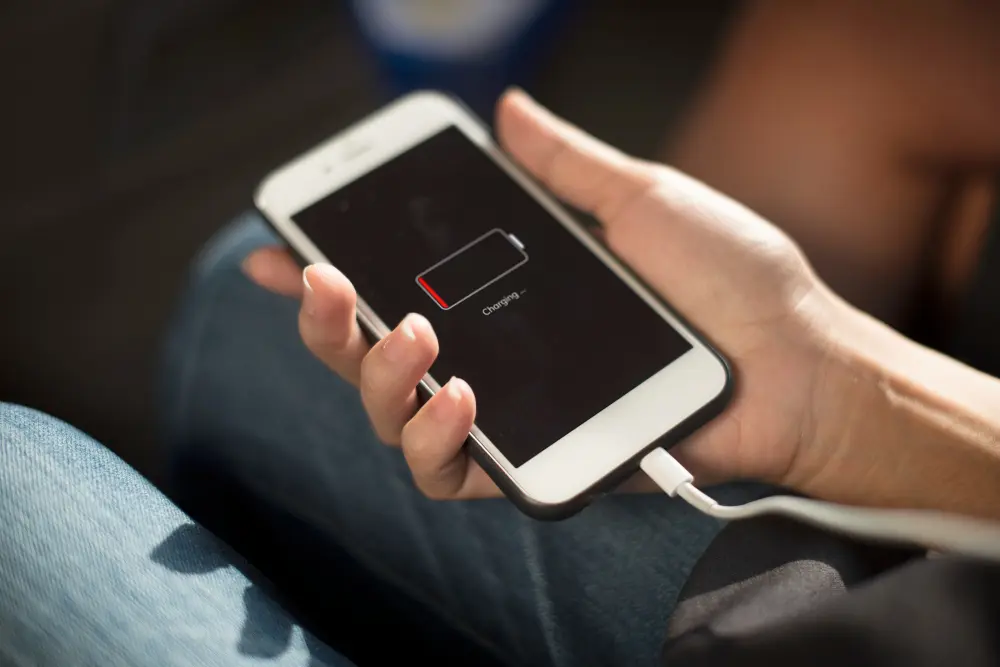
Being connected is not very useful if your battery is dead. These strategies will help you maximize both battery life and limited data.
Battery Optimization
- Airplane mode with WiFi: Turn on airplane mode, then re-enable WiFi. This stops constant cellular signal searching, which drains battery
- Reduce screen brightness: The display is the biggest battery consumer
- Disable location services: Use them only when actively needed
- Close background apps: Many apps consume data and battery without you realizing it
Smart Data Management
- Disable automatic updates: Set apps to update only when connected to WiFi
- Use data saver mode: Both iOS and Android offer options that limit background data usage
- Stream carefully: Download music and videos when you have unlimited WiFi
- Compress data: Browsers like Opera and Chrome offer compression modes that can reduce data usage by up to 50 percent
Essential Power Bank
Invest in a high-quality power bank with at least 10,000 mAh. Brands like Anker, RAVPower, or Baseus offer reliable options. A power bank can charge your phone two to four times, giving you peace of mind during long days of exploration.
8. Power Adapters: Do Not Run Out of Charge
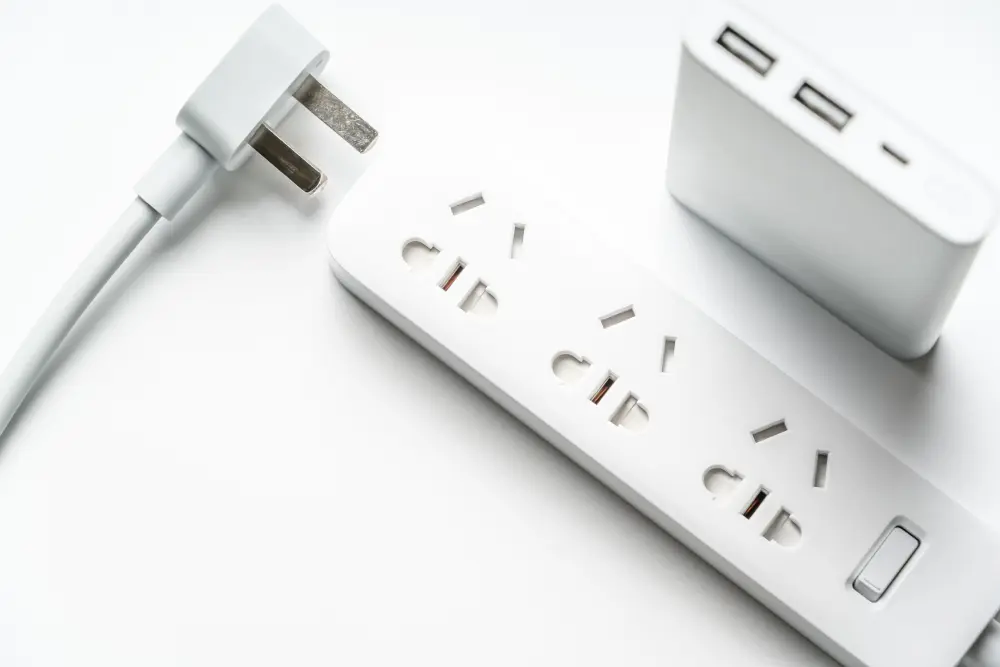
All these devices are useless if you cannot charge them. Power outlets vary significantly from country to country.
Universal Adapters
A universal travel adapter is an investment that will last for years. Look for one that includes USB ports in addition to different plug types. You can consult the international plug and voltage standards by country before purchasing to make sure you get the right one. Recommended brands include EPICKA, Ceptics, and NEWVANGA. Make sure your adapter supports different voltages (110 to 240V).
Recommended brands include EPICKA, Ceptics, and NEWVANGA. Make sure your adapter supports different voltages (110 to 240V).
Portable Power Strips
Many hotels have limited outlets. A small travel power strip allows you to charge several devices at the same time. Choose a compact model designed for travel.
Important: Check that your devices support the voltage of the country you are visiting. Most modern phone and laptop chargers are multi-voltage (110 to 240V), but some older devices may require a voltage converter, not just an adapter.
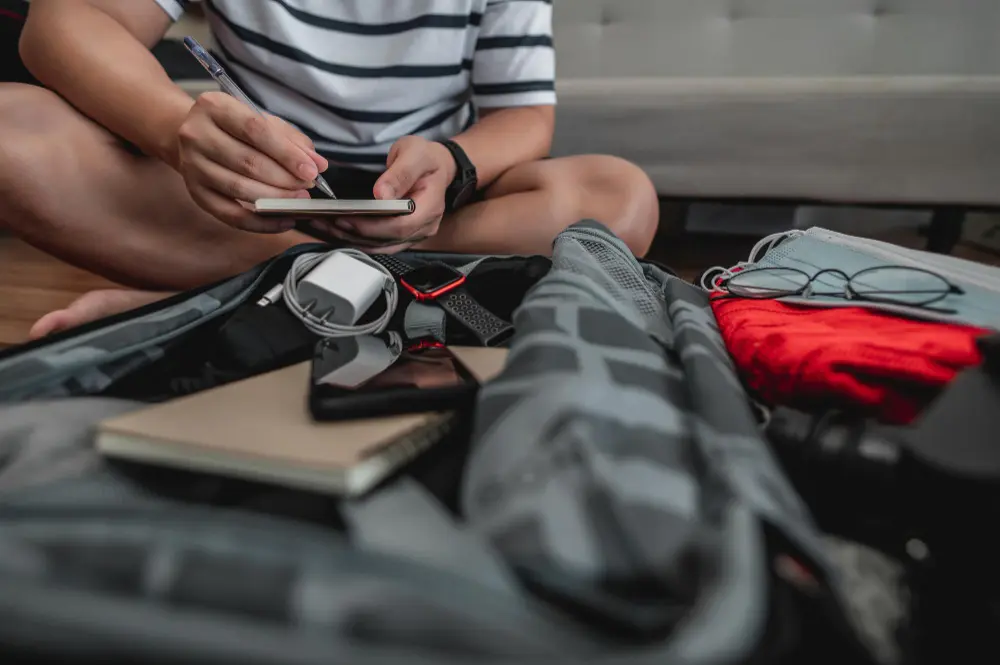
9. Preparation Before Traveling
Successful connectivity starts before you leave home. These preparation steps will save you headaches.
Check and Unlock Your Phone
Contact your carrier at least one week before traveling to unlock your phone if you plan to use local SIM cards or eSIMs. Some carriers require your device to be fully paid off before unlocking it.
Also verify that your phone supports the frequency bands used in the country you are visiting. This is especially important in countries with 5G technology.
Download Apps and Content
Install all the apps you will need while you still have reliable WiFi. Download offline maps, travel guides, music, podcasts, and any content you want to use during long flights or offline moments.
Backup Information
Write down critical information on paper as a backup:
- Hotel phone numbers
- Embassy address
- Local emergency numbers
- Travel insurance information
- Confirmation numbers for important reservations
It is also a good idea to store digital copies of important documents in the cloud, just in case.
Configure Alerts and Notifications
Adjust notifications so that only essential apps can alert you. This saves battery and data. Disable notifications from apps you do not need to check constantly.
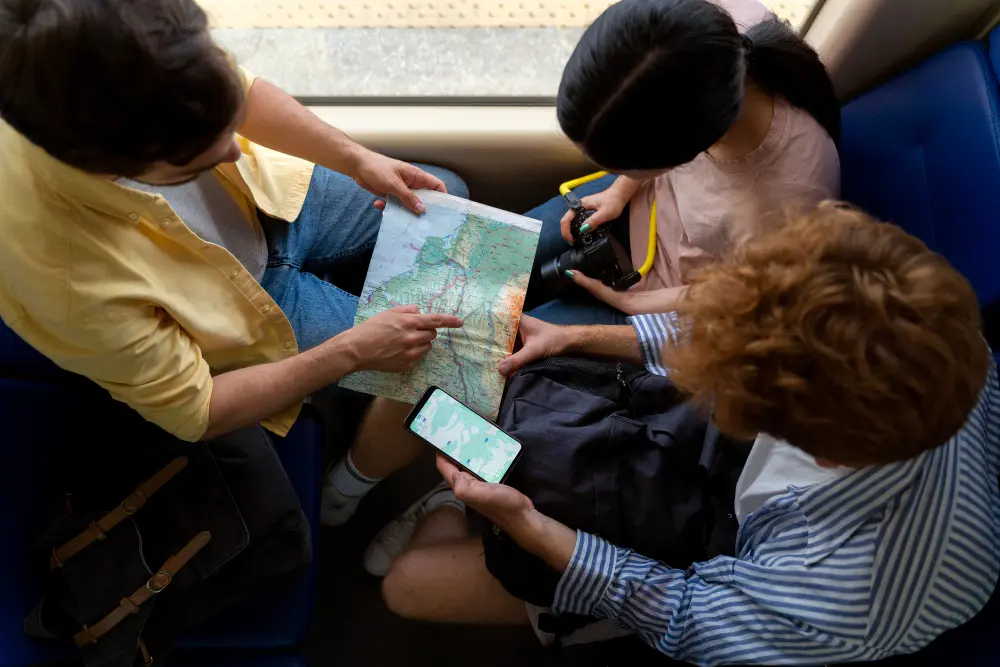
10. Connectivity Strategies by Trip Type
Your connectivity strategy should adapt to the type of trip you are taking.
Weekend or Short Trips (1-5 days)
For short trips, your carrier’s international roaming plan may be the most convenient option if the rates are reasonable. It is usually not worth the hassle of getting a local SIM card for just a few days.
Alternatively, a short-term eSIM can provide enough data without complications. Many providers offer three, five, or seven-day plans that are perfect for quick getaways.
Long Trips or Backpacking (1-3 months)
For extended stays, definitely buy a local SIM card or subscribe to a monthly eSIM plan. The savings compared to roaming will be significant.
If you plan to move between several countries, consider eSIM providers that offer regional plans, such as coverage for all of Europe or Southeast Asia.
Digital Nomads and Remote Workers
If you need to work while traveling, reliability is crucial. Consider having two internet sources, for example an eSIM as your main connection and a portable hotspot as a backup.
Invest in a plan with plenty of data. Many providers offer unlimited plans or 50 to 100 GB packages that are sufficient for full-time remote work.
Adventure Travel or Remote Areas
If you will be in rural or remote areas, connectivity will be limited regardless of the option you choose. Download absolutely everything you will need offline before leaving cities.
For emergencies in very remote locations, consider Garmin inReach satellite communicators, which allow you to send basic messages via satellite when no other communication options are available.
Conclusion: Connectivity Is Freedom
Staying connected while traveling is no longer optional in the modern world. Fortunately, the available options are more varied, affordable, and convenient than ever. Whether you choose the affordability of a local SIM card, the convenience of an eSIM, the versatility of a portable hotspot, or a combination of all these options, planning ahead is key.
Remember that the best strategy depends on your travel style, budget, and specific needs. A business traveler who needs to be constantly reachable will have very different priorities than a backpacker who only wants to upload photos occasionally.
The most valuable thing you can do is research the specific options for your destination before traveling. Read reviews, compare prices, and do not hesitate to consult traveler forums and community experiences for real-world advice. At the end of the day, staying connected provides security, convenience, and the freedom to explore with confidence, knowing that you have the world at your fingertips.
At the end of the day, staying connected provides security, convenience, and the freedom to explore with confidence, knowing that you have the world at your fingertips. Whether it is finding the best local restaurant, getting directions, sharing special moments with loved ones, or working from a beautiful beach, modern connectivity makes it all possible.
Ready for your next adventure? With this guide in mind, you will be fully prepared to stay connected no matter where your travels take you. Safe travels, and may you always have a strong signal.