 By Elois da Costa
If you are wondering how to use the google maps ev trip planner to plan a smooth electric road trip with reliable charging stops, accurate range estimates, and real time navigation, this guide walks you through the exact steps. You will learn how to set up your vehicle profile, find compatible chargers, calculate driving time with charging included, and avoid common mistakes that first time EV travelers make.
Electric road trips are no longer complicated or risky. With the right preparation and the right digital tools, they can be just as spontaneous and exciting as any gasoline powered journey. The difference is planning smarter, not harder.

What Is the Google Maps EV Trip Planner?
The google maps ev trip planner is a set of features inside Google Maps that helps electric vehicle drivers map routes with charging stations along the way. Instead of manually searching for chargers, estimating range, and guessing how long you will need to stop, the system integrates this information into your route.
According to the officialGoogle Maps Help Center, EV drivers can filter charging stations by plug type, charging speed, and network. In supported vehicles with Google built in, the system can even suggest charging stops automatically based on battery level and driving conditions.
In practical terms, this means your navigation app becomes your co pilot for energy management.

Why EV Road Trips Require a Different Planning Strategy
Planning an EV trip is not just about distance. You must think about:
- Available charging infrastructure
- Charging speed, Level 2 versus DC fast charging
- Weather conditions that affect battery range
- Elevation changes
- Traffic and detours
TheU.S. Department of Energy Alternative Fuels Data Center shows that public charging stations are expanding quickly across the country, but availability still varies by region. Urban corridors are well covered. Remote scenic highways may require more precise planning.
The good news is that google maps ev trip planner integrates charging station data directly into your route, helping you see where you can recharge before you actually need it.
Step by Step: How to Use Google Maps EV Trip Planner
Here is how to set up your trip from scratch.
1. Update Your Google Maps App
Before anything else, make sure your app is updated. New EV features are frequently added. Visit theGoogle Play Store orApple App Store to confirm you have the latest version.
2. Add Your Electric Vehicle Details
In supported regions and vehicles, you can input:
- Battery capacity
- Current charge level
- Charging plug type
- Preferred charging networks
If you drive a vehicle with native Google integration, such as certain models from major automakers, range estimation can sync directly with your battery data.
3. Enter Your Destination
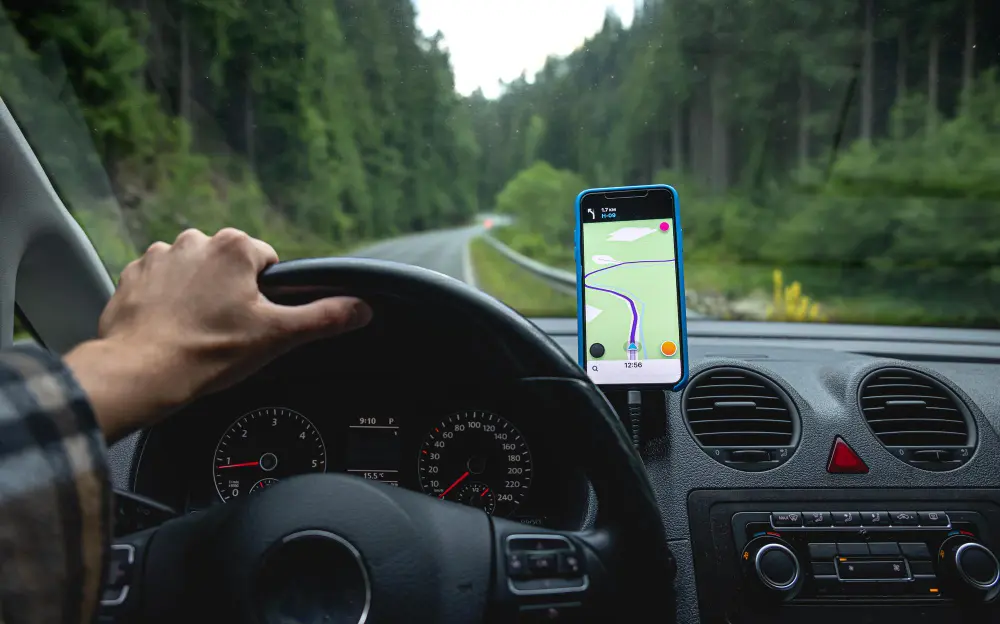
Type your destination just as you would for any trip. Google Maps will calculate the route. If charging is required, the google maps ev trip planner may suggest charging stops automatically.
If not, you can manually search for “EV charging stations” along your route and filter by:
- Plug type
- Charging speed
- Network provider
4. Review Charging Stops
Do not just accept the first suggestion. Tap each charging stop and review:
- Number of chargers
- User reviews
- Business hours
- Nearby amenities
This is where real travel planning begins. Look for charging locations near restaurants, restrooms, or scenic spots so your stop becomes part of the experience.
5. Check Total Travel Time Including Charging
One of the most useful features is seeing total travel time with charging included. This helps you set realistic expectations. According to theFederal Highway Administration traffic data, traffic congestion can significantly affect travel times, so always check live traffic before departure.
Choosing the Right Charging Stops for Comfort and Efficiency
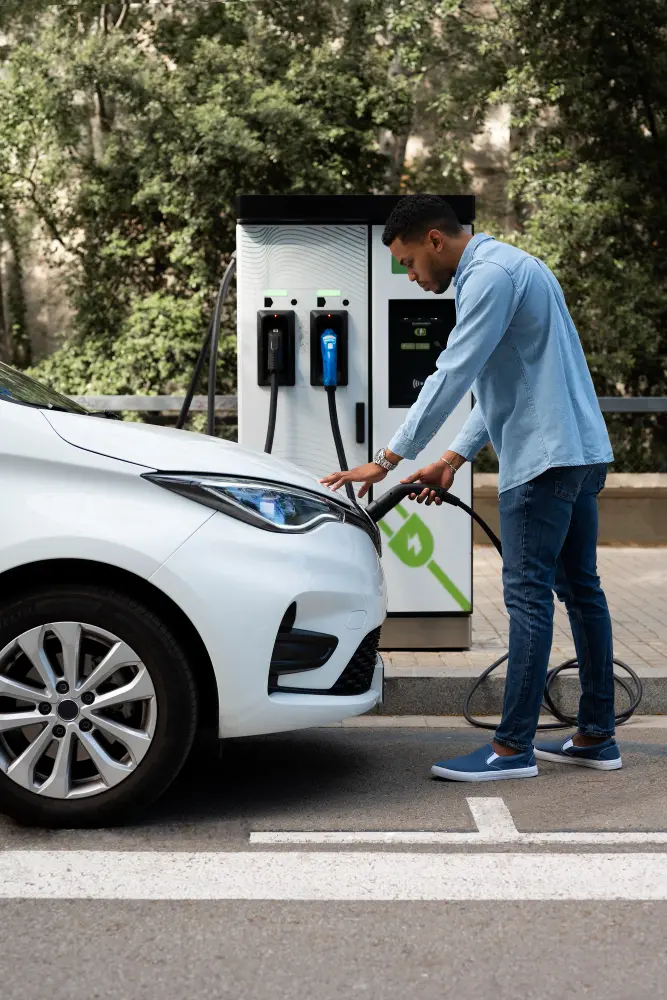
Not all charging stations are equal. Some are in grocery store parking lots. Others are located at highway rest stops or shopping centers.
When reviewing options inside the google maps ev trip planner, consider:
- Fast chargers for quick top ups on long highway stretches
- Slower chargers for overnight stays
- Chargers located near hotels or attractions
If you plan to stay overnight, check properties on platforms likeExpedia hotel listings orAirbnb EV friendly homes and filter for EV charging availability. Charging while you sleep is one of the easiest ways to simplify your itinerary.
Range Anxiety: How to Avoid It Completely
Range anxiety is the fear of running out of battery before reaching a charger. The best way to eliminate it is strategic planning.
Here are beginner friendly tactics:
- Start your trip with 90 to 100 percent battery
- Plan to recharge when you reach 20 to 30 percent
- Avoid running below 10 percent unless you are certain of your next stop
- Use fast chargers strategically on long highway segments
Weather matters. Cold temperatures can reduce range, as noted in research from theU.S. Department of Energy energy efficiency resources. If you are traveling in winter, add a safety buffer to your route.
Planning Multi Day EV Road Trips
A weekend getaway is easy. A multi state adventure requires a layered approach.
Map the Entire Route First
Enter your final destination into google maps ev trip planner. Review the full route overview before focusing on individual charging stops.
Look for:
- Long gaps between chargers
- Mountainous areas
- Rural stretches

Book Accommodations with Charging in Mind
When booking hotels, search specifically for EV charging amenities. Many properties now list Level 2 chargers as a standard feature. Staying at a charging equipped hotel means you wake up with a full battery.
Research Charging Networks Along the Way
Different charging networks may require separate apps or accounts. Before departure, download relevant apps and set up payment methods. This avoids stress at the charging station.
Real World Example: Planning a 600 Mile Electric Road Trip
Let’s imagine you are driving from Los Angeles to Sedona.
- Enter Sedona as your destination.
- Review suggested charging stops.
- Adjust stops to align with meal breaks.
- Confirm charger availability and user ratings.
- Book a hotel in Sedona with overnight charging.
Instead of viewing charging as an inconvenience, integrate it into your travel rhythm. Stop for lunch while fast charging. Explore a small town during a 40 minute session. Turn logistics into experiences.
Advanced Tips for Travelers Who Love Perfect Planning
Since you are the type of traveler who likes every detail aligned, here are deeper strategies:
Monitor Elevation Changes
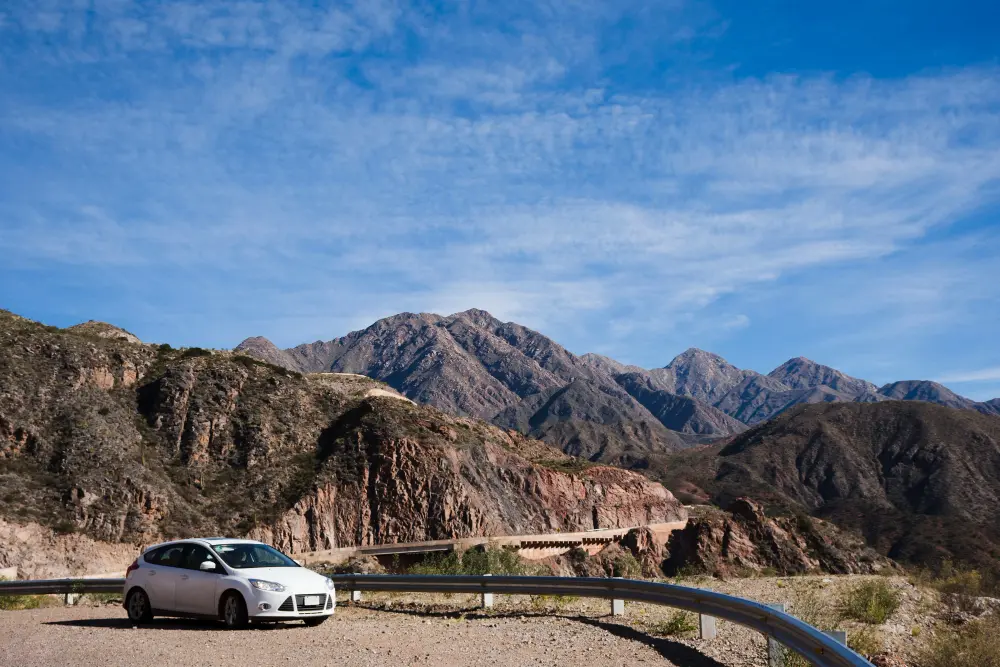
Climbing mountains uses more battery. Descending regenerates energy. Before long climbs, ensure you have extra charge. Google Maps terrain view can help visualize elevation patterns.
Use Off Peak Charging Hours
Charging stations in busy corridors can get crowded. Early mornings or late evenings are often less busy. Read user reviews inside Google Maps for real time insights.
Keep a Backup Plan
Even with perfect planning, chargers can occasionally be out of service. Always identify a secondary charger within 10 to 20 miles of your primary stop.
Safety, Regulations, and Infrastructure Growth
The EV infrastructure landscape is changing rapidly. Federal investment in charging networks is expanding access nationwide. For updates on national charging initiatives, consult theJoint Office of Energy and Transportation.
Knowing that infrastructure is expanding gives travelers more confidence in planning longer routes.
How Google Maps EV Trip Planner Compares to Other Tools
There are dedicated EV apps available. However, many travelers prefer google maps ev trip planner because:
- It integrates with everyday navigation
- Traffic updates are real time
- Reviews are built in
- It connects with your Google account
For travelers who already rely on Google Maps for restaurants, attractions, and route planning, keeping everything in one app simplifies decision making.
Common Mistakes to Avoid
Even experienced travelers make these errors:
- Not checking charger compatibility
- Ignoring user reviews
- Planning charging stops too close to zero percent
- Forgetting to factor in weather
- Arriving at a station without the correct payment setup
Avoiding these mistakes makes your electric adventure feel seamless.
Final Checklist Before You Leave
Before you start your EV road trip:
- Update Google Maps
- Confirm charger compatibility
- Charge to at least 90 percent
- Download charging network apps
- Book accommodations with EV access
- Review weather forecasts
- Share your route with a travel partner
Planning ahead transforms an electric road trip into a relaxed, well timed journey.
The Future of Electric Travel
Electric travel is not just a trend. It is becoming part of mainstream road trip culture. Charging networks are expanding, vehicle ranges are improving, and navigation tools are getting smarter.
Using the google maps ev trip planner allows you to travel confidently, reduce uncertainty, and enjoy the journey instead of worrying about logistics. With the right preparation, your electric adventure becomes less about managing battery life and more about discovering new destinations.
When you combine smart route planning, reliable charging stops, and thoughtful scheduling, your EV road trip can be just as flexible and exciting as any traditional journey.
And for travelers who love being informed and prepared, that is exactly how every trip should begin.